Easy to understand and fun to learn!
I’m a student learning about electronics and electrical engineering. I like how fun and easy this app makes learning.
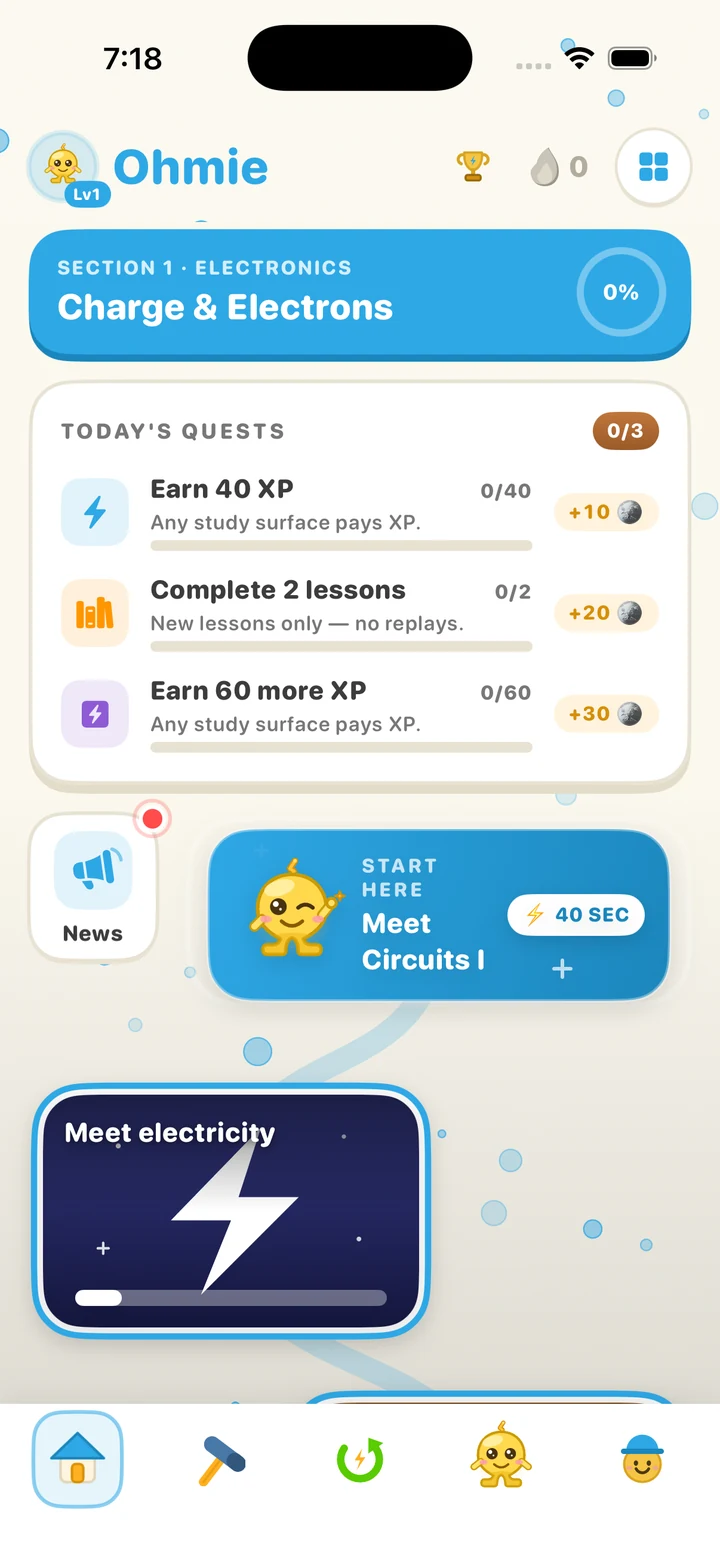
bird_coffinShort lessons you solve by hand, with circuits that actually respond.
Free for 7 days. iPhone and iPad.

4.5
267 ratings
US App Store, Oct 18, 2026
690+
lessons · 6 subjects
Rated 4+
iPhone and iPad
[...] It’s the definitive electronics app in my opinion. [...]
Jsjdixhbsgdjdb, App Store
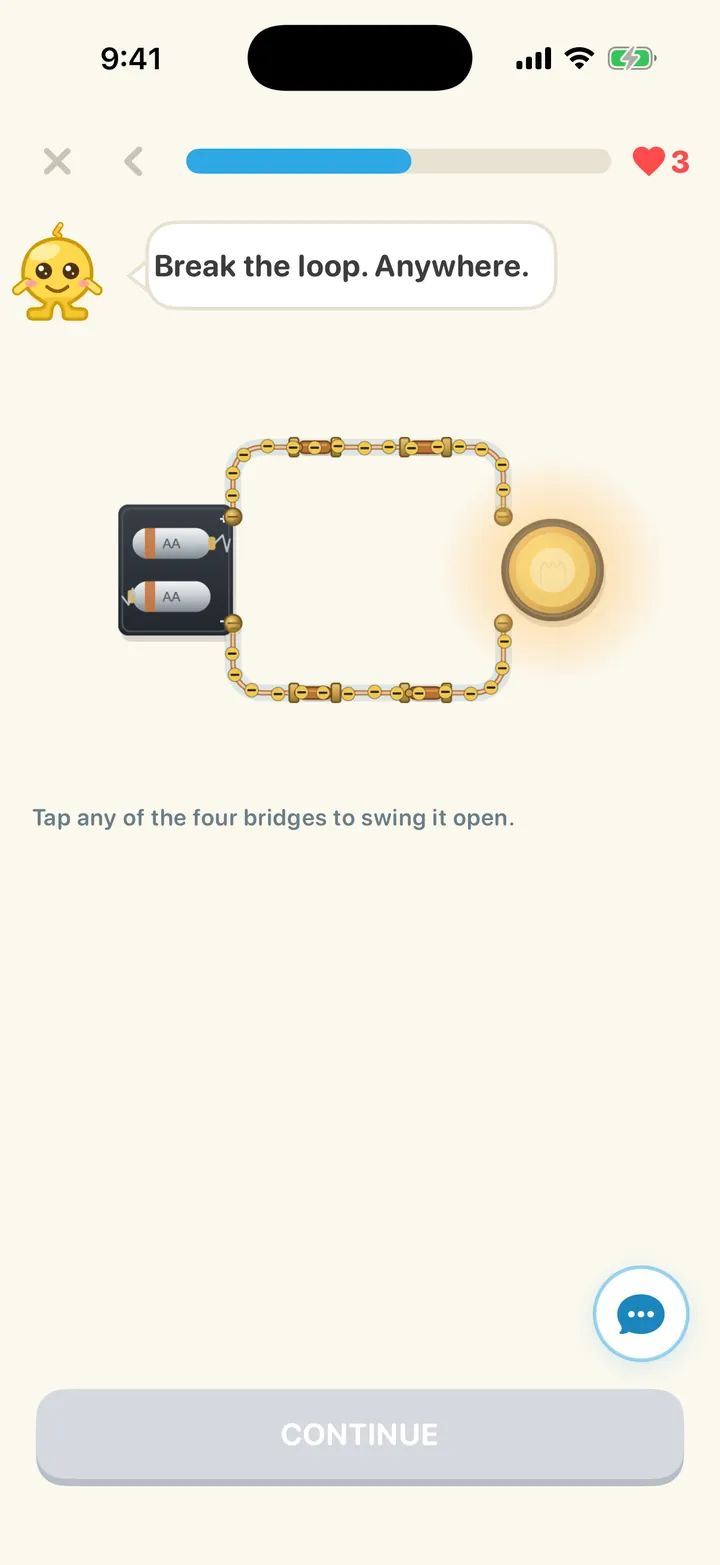
Tap the break in the loop. Fix the fault. Watch the lamp light up — on a circuit that actually responds.
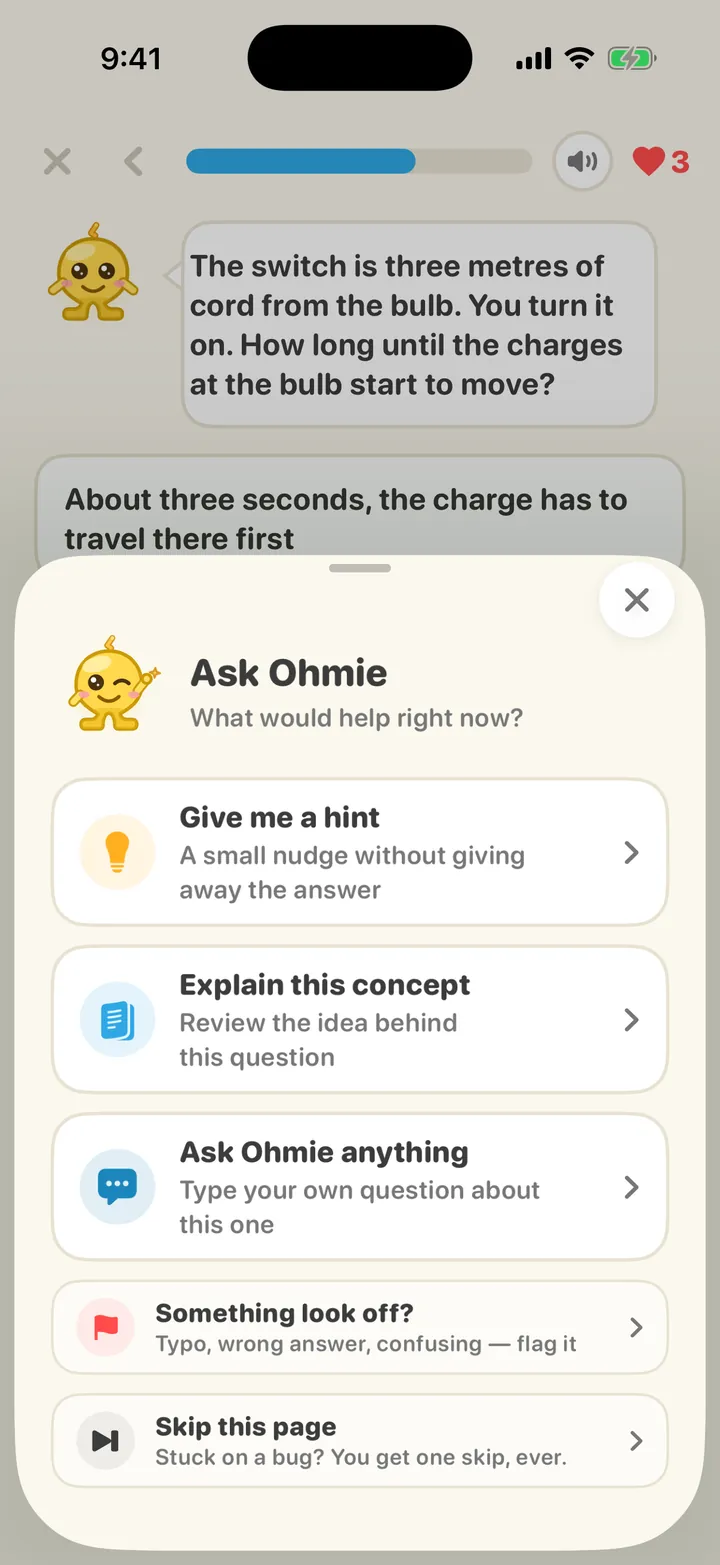
Every question has a built-in explanation, plus a nudge if you need one, and signed-in subscribers can ask Ohmie follow-up questions right there on the question.
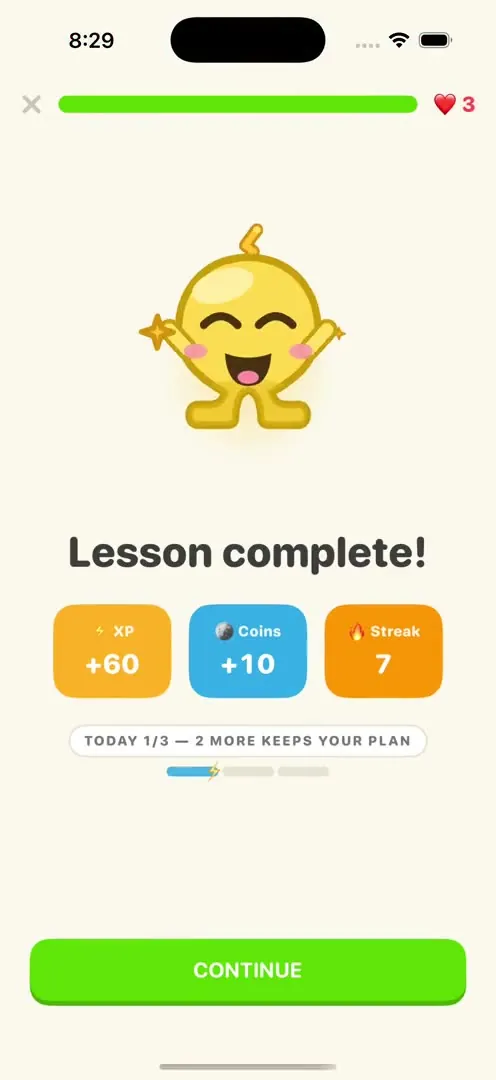
Every lesson banks XP and keeps your streak alive. A Daily Charge every day — up to five questions, +15 XP.
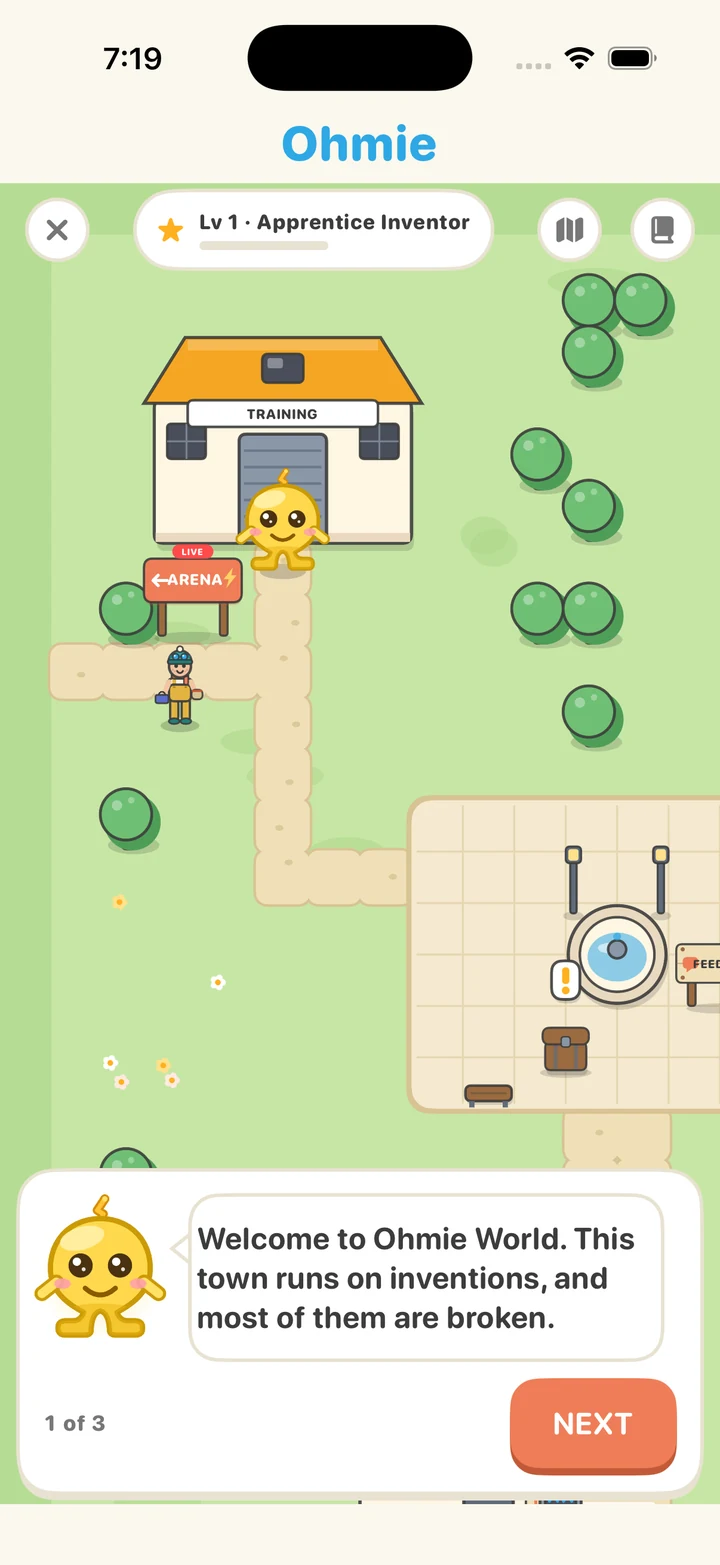
Quiz-battle Watt, the practice bot — first to five wins. Sign in and challenge another inventor live, 20 seconds a question.
01 · 277 lessons
Voltage, current, capacitors, op-amps, then transistors, logic gates and a computer you build — from your first spark to an 8-bit CPU.
One track in thirteen chapters, now with AC: the wall's wave, analog signals on the scope, the transistor's 1947 breakthrough, the Logic Lab, and Inside the 8-Bit Computer, a whole computer running on your screen.
Covered chapters
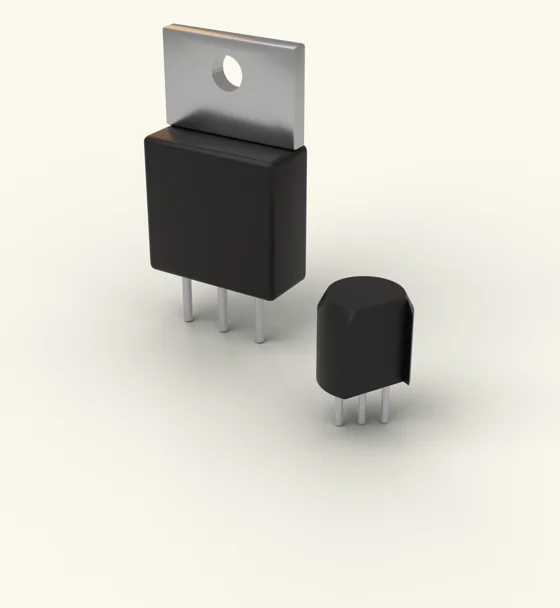
02 · 105 lessons
IMUs, sensor fusion, and SLAM — how a robot figures out where it is.
Covered chapters
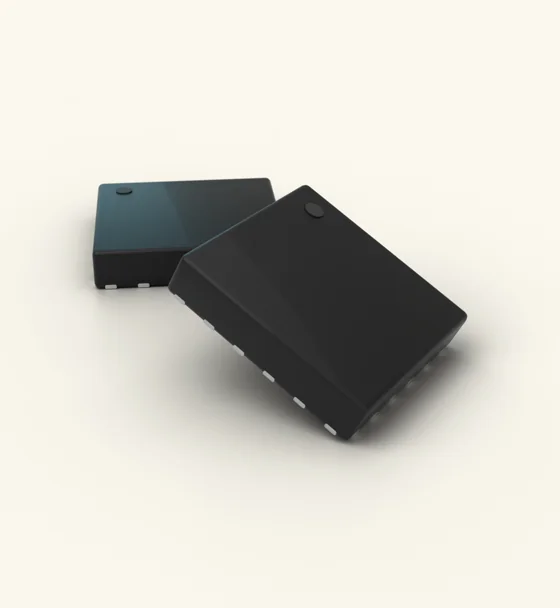
03 · 106 lessons
Where code meets copper: pins, analog reads, interrupts, and the sensors that feel the world.
Covered chapters
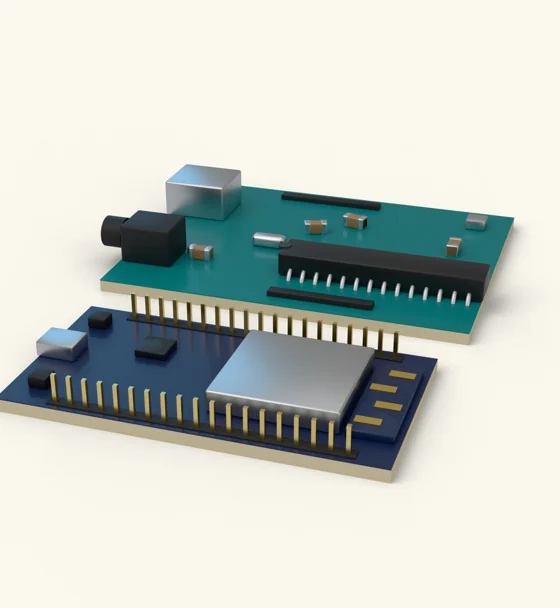
04 · 39 lessons
CPU, GPU, the memory ladder.
Covered chapters
05 · 47 lessons
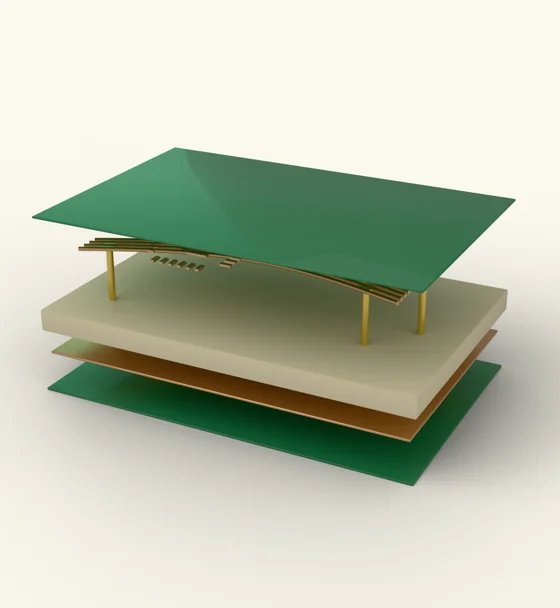
From breadboard to board: lay out real PCBs in OhmieCAD.
Covered chapters
06 · 119 lessons
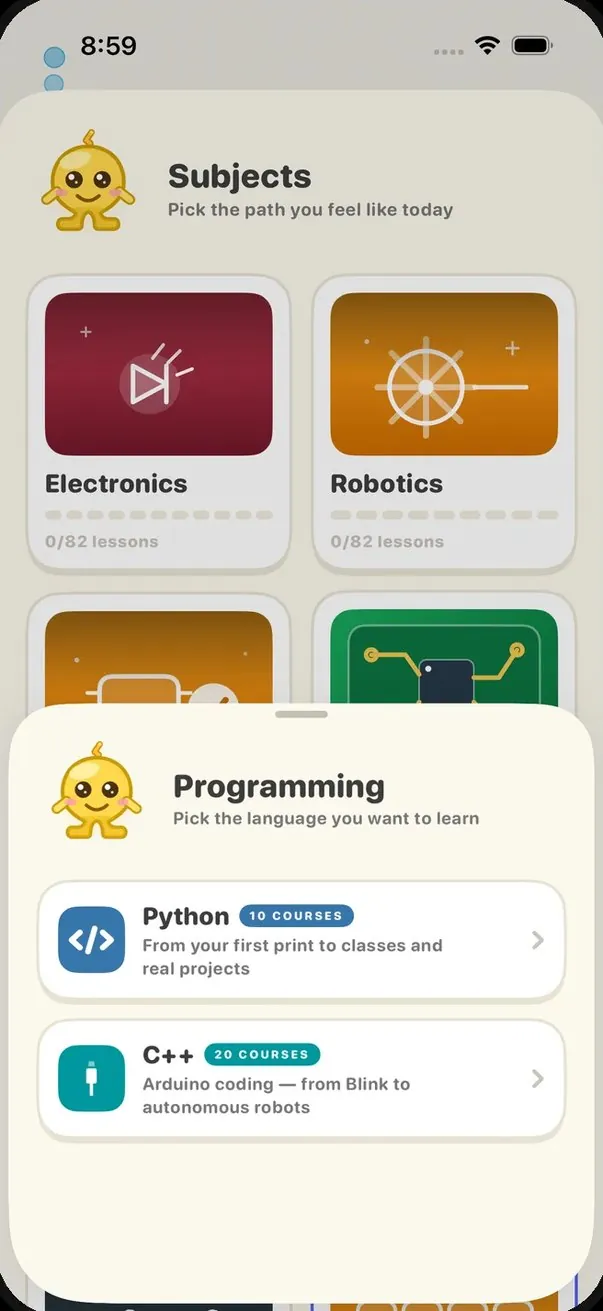
One track with a Python / C++ switch: Python from zero (67 lessons), or Arduino C++ from your first blink to your own sensor lamp (52 lessons).
Covered chapters
No prerequisites.
Start at 01 — 7 days free →
7 days free, then billed yearly. You'll see the price in the app before you start. Renews automatically unless canceled in the App Store.
New in 1.6.3
I’m a student learning about electronics and electrical engineering. I like how fun and easy this app makes learning.
bird_coffinI wasn’t expecting much but wow! So easy to learn and understand, it is helping me a lot at work and my hobbies.
HarryChoppaI was not expecting a lot but holy moly. This app will sure teach you what you need to know. [...] I was thinking not paying for the subscription but it is totally worthy.
AsiusG3112No. Every circuit is simulated and playable right in the app — though builds are real enough to copy onto your desk.
Yes. Ohmie starts at "What is electricity?" and builds up one short lesson at a time.
Six subjects — Electronics, Robotics, Embedded Systems, Computer Architecture, PCB Design and Programming — take you from Ohm's law to what's happening inside a transistor, through a computer you build, then on to IMUs, sensor fusion and SLAM. It's the same short, hands-on lesson rhythm the whole way; the ideas just get bigger.
Ask Ohmie. Every question has a built-in explanation, plus a nudge if you need one, and signed-in subscribers can ask Ohmie follow-up questions right there on the question.
No — Ohmie is a paid app. Pick Yearly and the first 7 days are free; cancel before day 7 and you pay nothing. You'll see the price in the app before you start. There's no ad-supported tier.
Yes. Yearly starts with a 7-day free trial — cancel before it ends and nothing is charged. Either plan can be cancelled any time in the App Store, and refunds are handled by Apple at reportaproblem.apple.com.

Free for 7 days. iPhone and iPad.
