Solve the circuit
Short, game-like lessons you actually solve, not paragraphs you skim. Stack battery cells, dim an LED, watch current respond to resistance.

4.5 on the App Store · 425 ratings · 80,000+ downloads
Yearly starts with a free trial for eligible new subscribers. iPhone and iPad.
Short, game-like lessons you actually solve, not paragraphs you skim. Stack battery cells, dim an LED, watch current respond to resistance.
1,500+ lessons across 17 subjects. Start here with Electronics, build on it with Physics, Robotics and PCB Design, then go deep into Calculus I, II and III, Circuit Analysis and AI and Machine Learning.

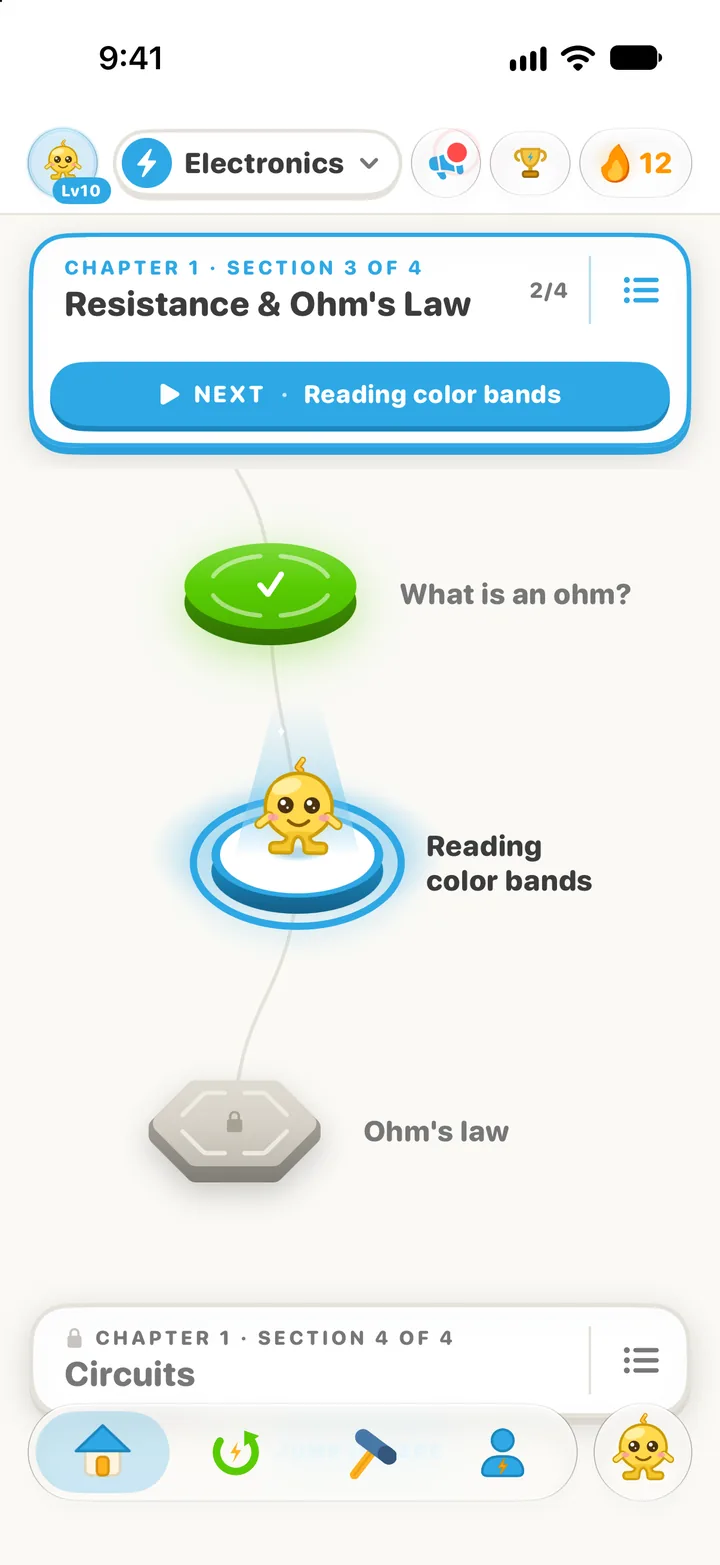
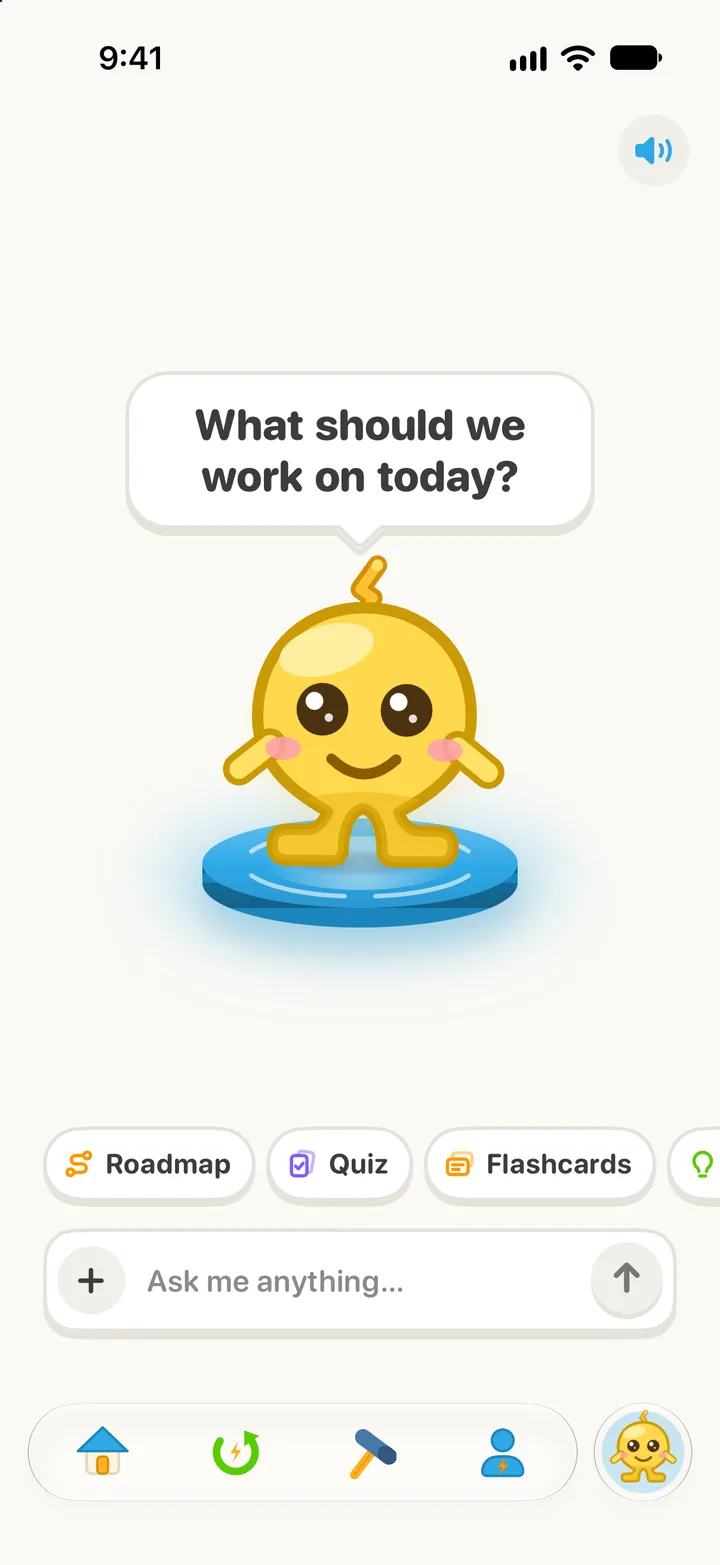
Tap Ohmie, then Roadmap, and tell him what you want to learn: a topic, a project or a class. He builds your roadmap from Ohmie's lessons right on Home, and keeps it as one of your subjects.
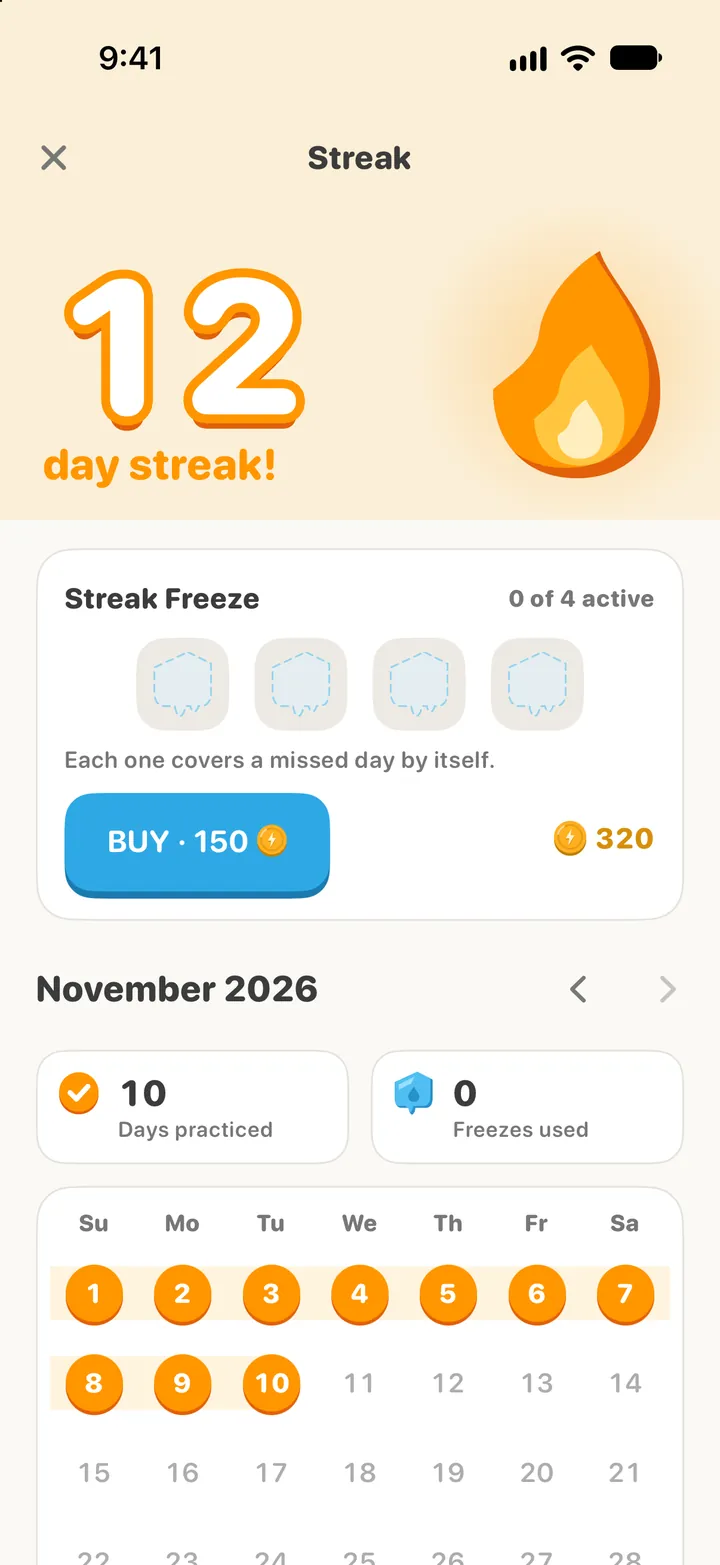
XP, streaks, skins to unlock and a weekly leaderboard. A Streak Freeze covers a missed day by itself. Streaks are forgiving. Life happens.


The yearly plan starts with a free trial for eligible new subscribers. You'll see the price in the app before you start. Renews automatically unless canceled in the App Store.
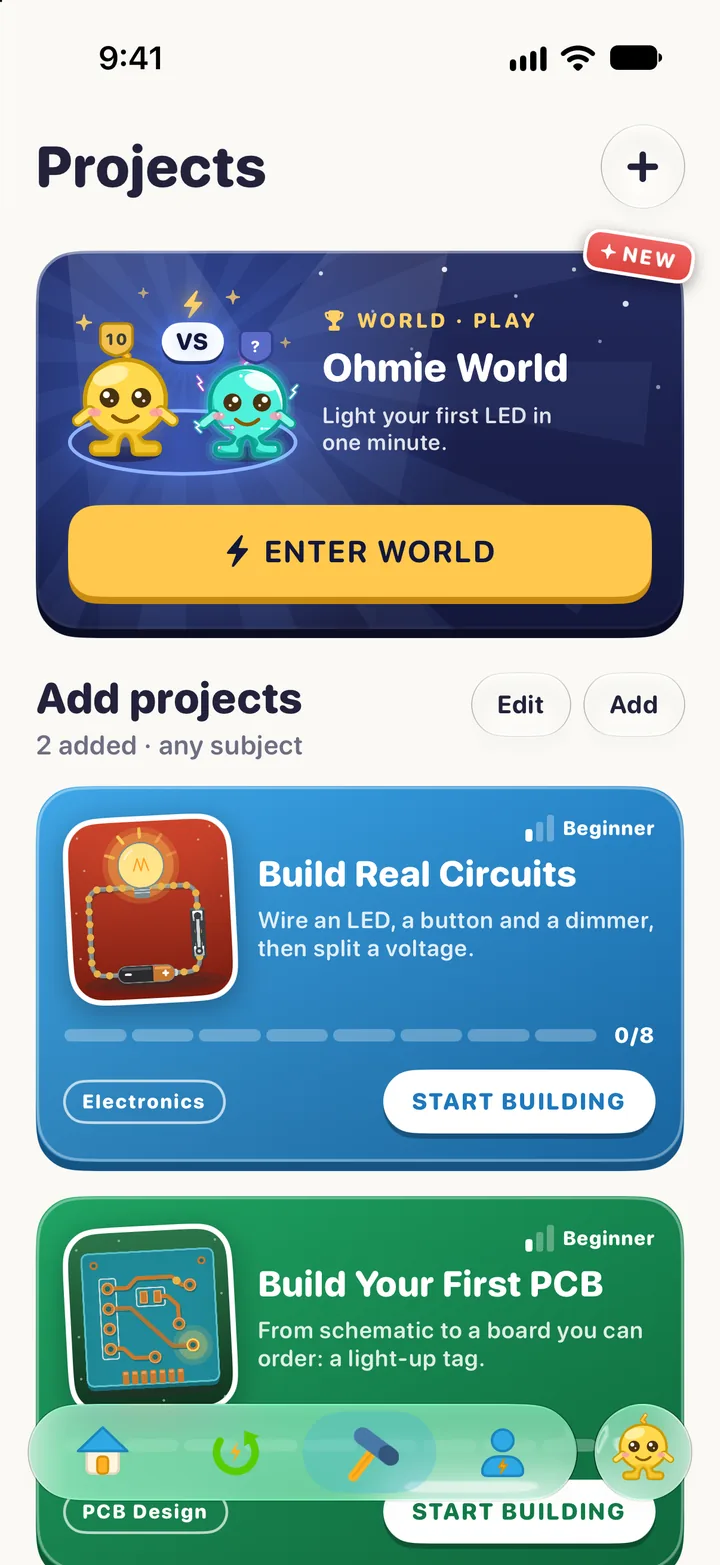
Wire an LED, a button and a dimmer, then split a voltage. Take a light-up tag from schematic to a board you can order. In Ohmie World, work through three tracks of benches: Build Real Circuits, The diode family and Capacitors.
New in 2.0.3
I’m a student learning about electronics and electrical engineering. I like how fun and easy this app makes learning.
bird_coffinI wasn’t expecting much but wow! So easy to learn and understand, it is helping me a lot at work and my hobbies.
HarryChoppaI was not expecting a lot but holy moly. This app will sure teach you what you need to know. [...] I was thinking not paying for the subscription but it is totally worthy.
AsiusG3112No. Every circuit is simulated and playable right in the app, and the builds are real enough to copy onto your desk.
Yes. Start here with Electronics: lesson one is Switch it on, and it builds up one short lesson at a time.
Seventeen subjects. Start here with Electronics and Embedded Systems. Build on it with Semiconductor, Physics, Computer Architecture, PCB Design, Robotics and Digital Logic. Go deep with Calculus I, Calculus II, Calculus III, AI and Machine Learning, Circuit Analysis, Analog Electronics and Power Electronics. Programming teaches Python, and C++ is a subject of its own. It's the same short, hands-on lesson rhythm the whole way, and the ideas just get bigger.
Ask Ohmie. Every question has a built-in explanation, plus a nudge if you need one, and signed-in subscribers can ask Ohmie follow-up questions right there on the question.
Ohmie is free to download, and the lessons need an Ohmie Pro subscription, billed monthly or yearly. The yearly plan starts with a free trial for eligible new subscribers, and you'll see the price in the app before you start. There are no ads.
Yes. Cancel any time in your Apple Account settings, at least 24 hours before the end of the current period, and it won't renew. Refunds are handled by Apple at reportaproblem.apple.com.
Yearly starts with a free trial for eligible new subscribers. iPhone and iPad.